

 Never thought I’d ever call a terminal app “cool,” but here we are. Warp Terminal for Mac has completely changed the way I look at that little black box. I’ve been using Warp Terminal on my Mac recently, and I have to say – it’s probably the most exciting terminal app I’ve tried in a long time. It blends style, usability, and smart assistance in ways that make working with the command line feel more modern and pleasant. I have to admit, I’m kind of falling in love!
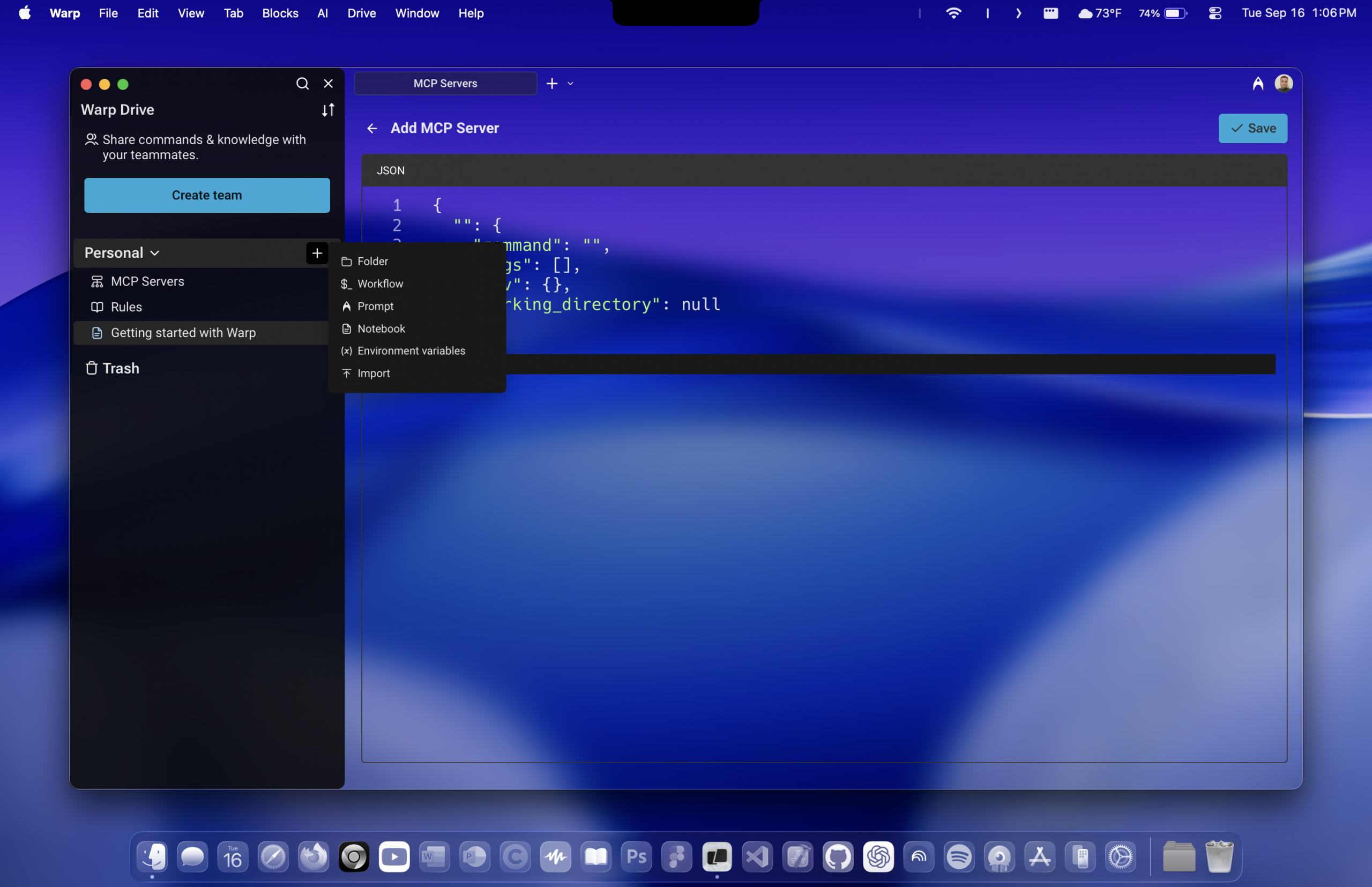
One of the things I adore is how customizable the visual vibe is. You can pull down the opacity slider to make the terminal window semi-transparent, and then dial in the blur radius so whatever’s behind the window (wallpaper, widgets, whatever) gets a soft focus. It’s subtle but magical.
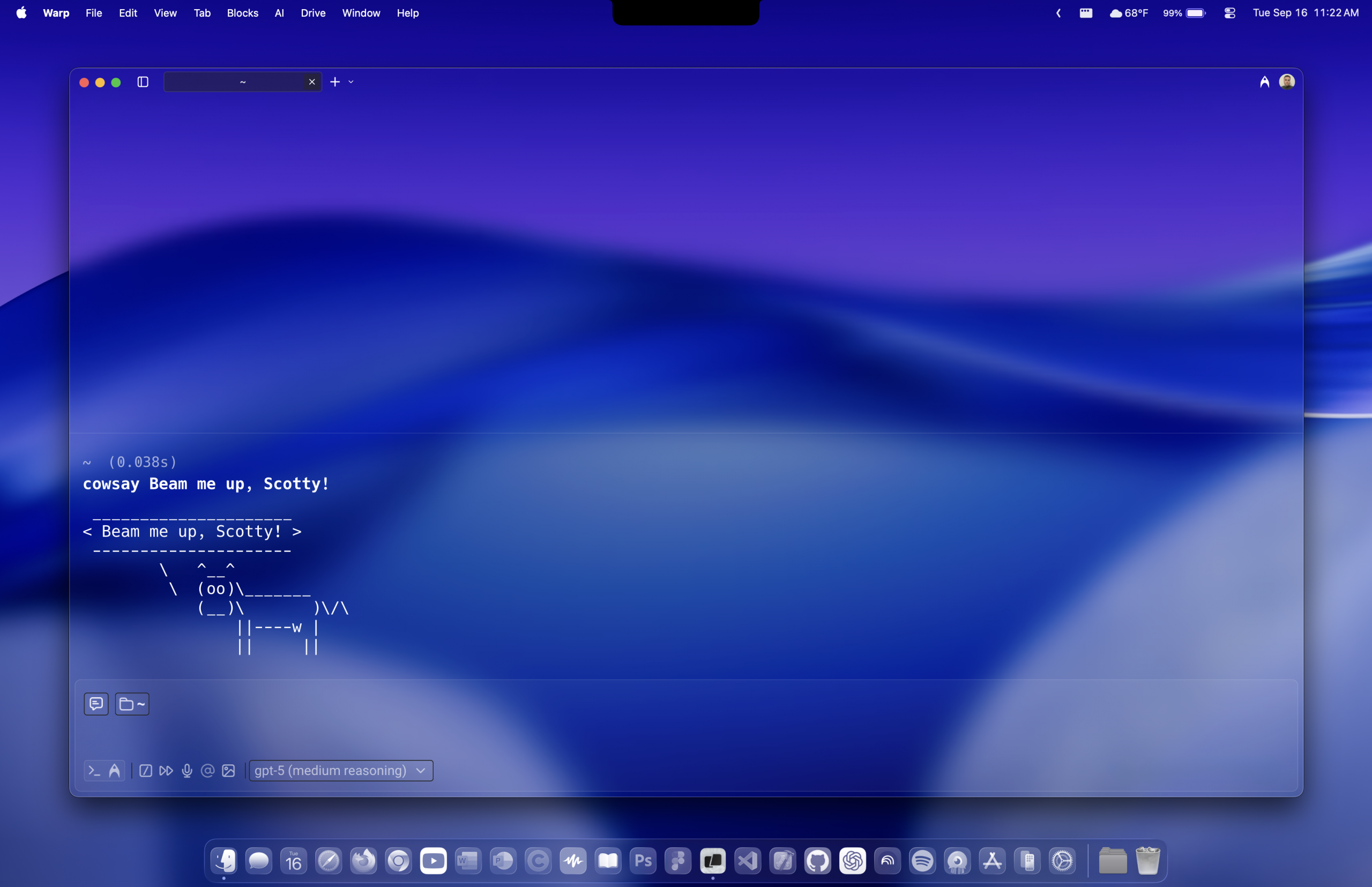
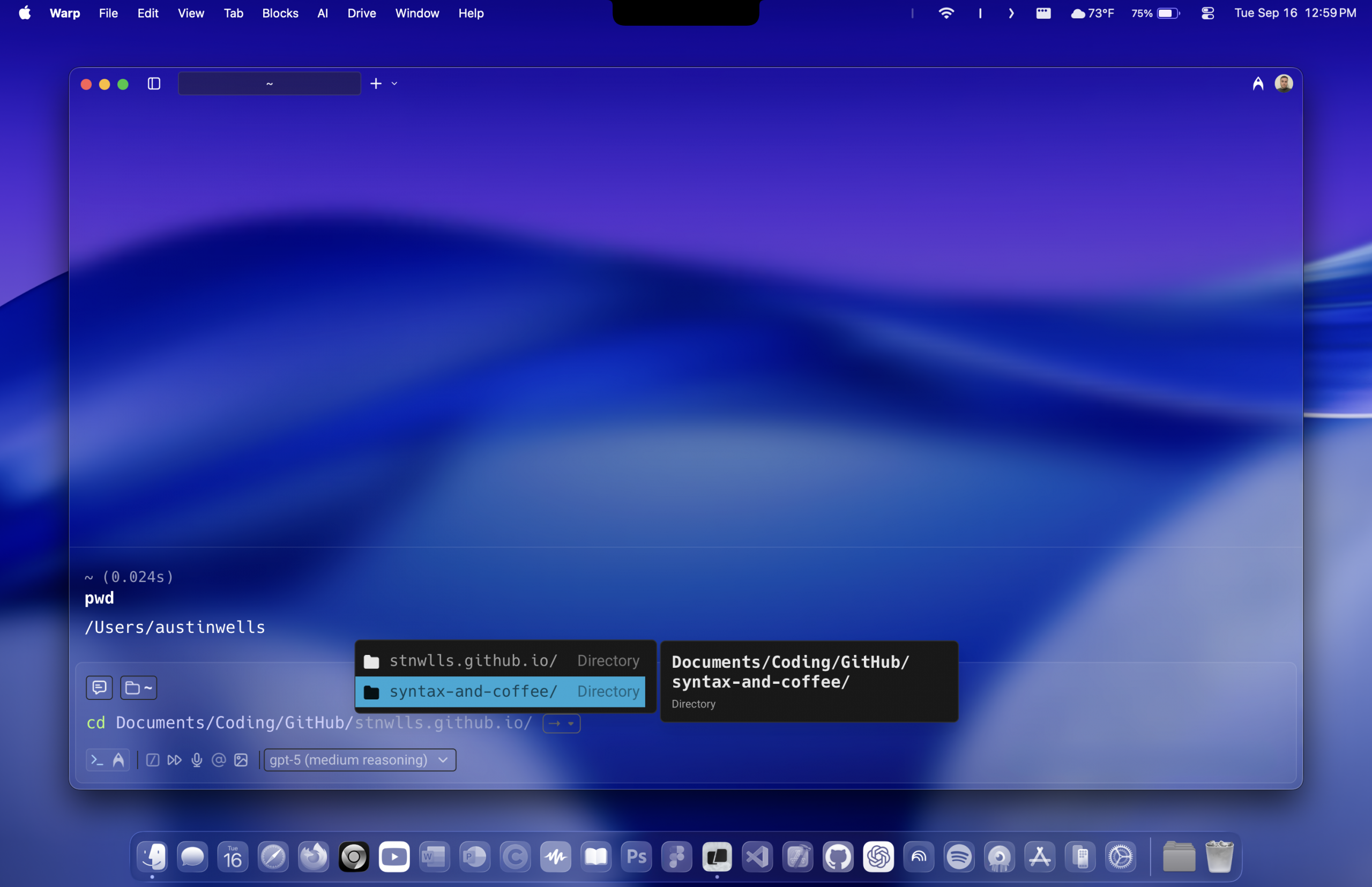
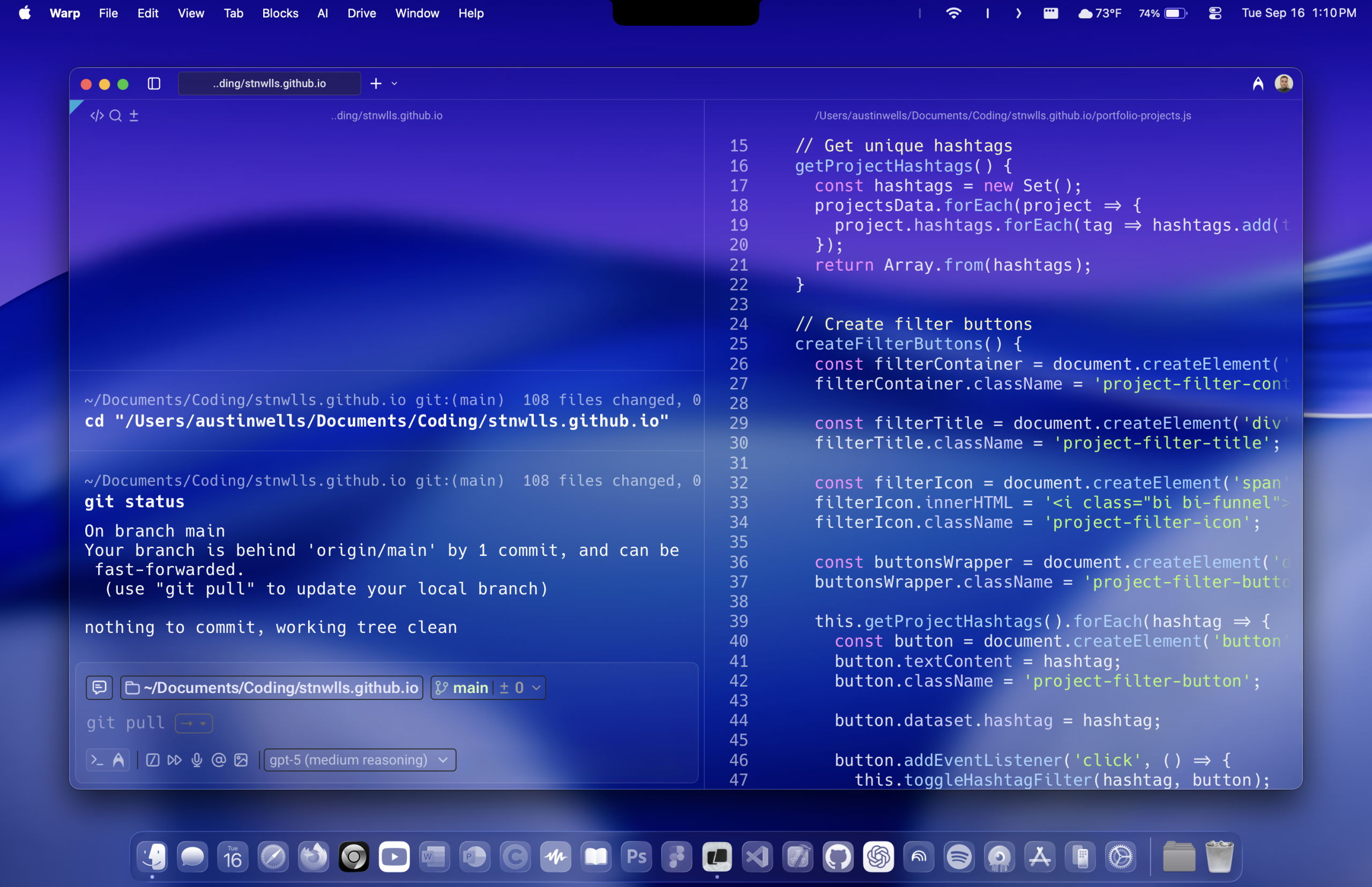
Another huge win is Warp’s AI features. You can ask Warp to help craft or suggest CLI commands when you’re blanking on flags or options. It also can assist in locating files, figuring out paths, or debugging command syntax without having to switch contexts. Warp also includes things like Next-Command suggestions, intelligent context (especially if you have codebases indexed), and a more editor-like feel to command input (undo, moving cursor with keyboard, etc.).
Just so you have the full picture (and because it’s fun), these are some extras from Warp that are pretty appealing—even if they’re not my favorite parts:
• Modern terminal comparisons: Warp supports true color (24-bit), nice rendering of emojis, reverse video, some underline and overline options, etc. When stacked against iTerm2, Terminal.app, Alacritty, Wezterm, etc., Warp holds its own or beats them in certain visual / editor-style usability metrics.
• Collaboration and sharing: There are features like shared sessions, workspaces, “Warp Drive” for storing commands, workflows, notebooks—helpful if you ever collaborate or like organizing your CLI-stuff.
• Offline core features: The core terminal works even offline (once you’re logged in). Only the cloud-based / AI features require network.
• Privacy & control: Warp has a Zero Data Retention policy (or configurable privacy settings) for AI requests—so you don’t need to worry (as much) about your command history being used for training models, etc. 1
Price & What You Get for Free vs Paid
Warp has a solid free tier, but if you go heavy on the AI or collaborative stuff, eventually you’ll bump into limits. Here’s a breakdown based on what the site currently says:
| Plan | Price (annual) | Monthly AI Requests | Indexed Codebases | Files per Codebase | Notable Extras |
|---|---|---|---|---|---|
| Free | $0 | 3 | 3 | 5,000 | 5 real-time shared sessions, up to 10 workflows + 3 notebooks, best models (GPT-5, Claude, Gemini), configurable Zero Data Retention |
| Pro | $15 / month | 2,500 | 40 | 10,000 | Pay-as-you-go overages, private email support, best models, configurable Zero Data Retention |
| Turbo | $40 / month | 10,000 | 40 | 20,000 | Same as Pro but higher limits, private email support |
| Lightspeed | $200 / month | 50,000 | 40 | 100,000 | Designed for heavy users, private email support, configurable Zero Data Retention |
| Business | $60 / seat / month | 10,000 | 40 | 20,000 | SOC 2 compliance, SAML SSO, enforced team-wide Zero Data Retention |
| Enterprise | Custom pricing | Custom | Custom | Custom | Bring your own LLM, Slack account manager, SOC 2 compliance, team-wide Zero Data Retention |
When you line up the tiers side by side, it’s clear Warp is aiming to give everyone a way in—whether you’re just dabbling with the terminal or living inside it every day. The free plan is generous enough for casual use, especially if you’re mostly interested in testing out the AI assistant and enjoying the visual polish. For me, the 150 AI requests per month usually cover those moments where I draw a blank on flags or need to quickly troubleshoot a command.
The Pro plan is where Warp starts to shine for developers who want the AI on tap more often. With 2,500 requests, it’s basically an AI safety net that rarely runs dry. Turbo, Lightspeed, and Business are clearly designed for power users and teams that want Warp to be part of their daily workflow backbone. The sheer scale of requests and indexed codebases makes those tiers feel like serious infrastructure, not just a fancy terminal upgrade.
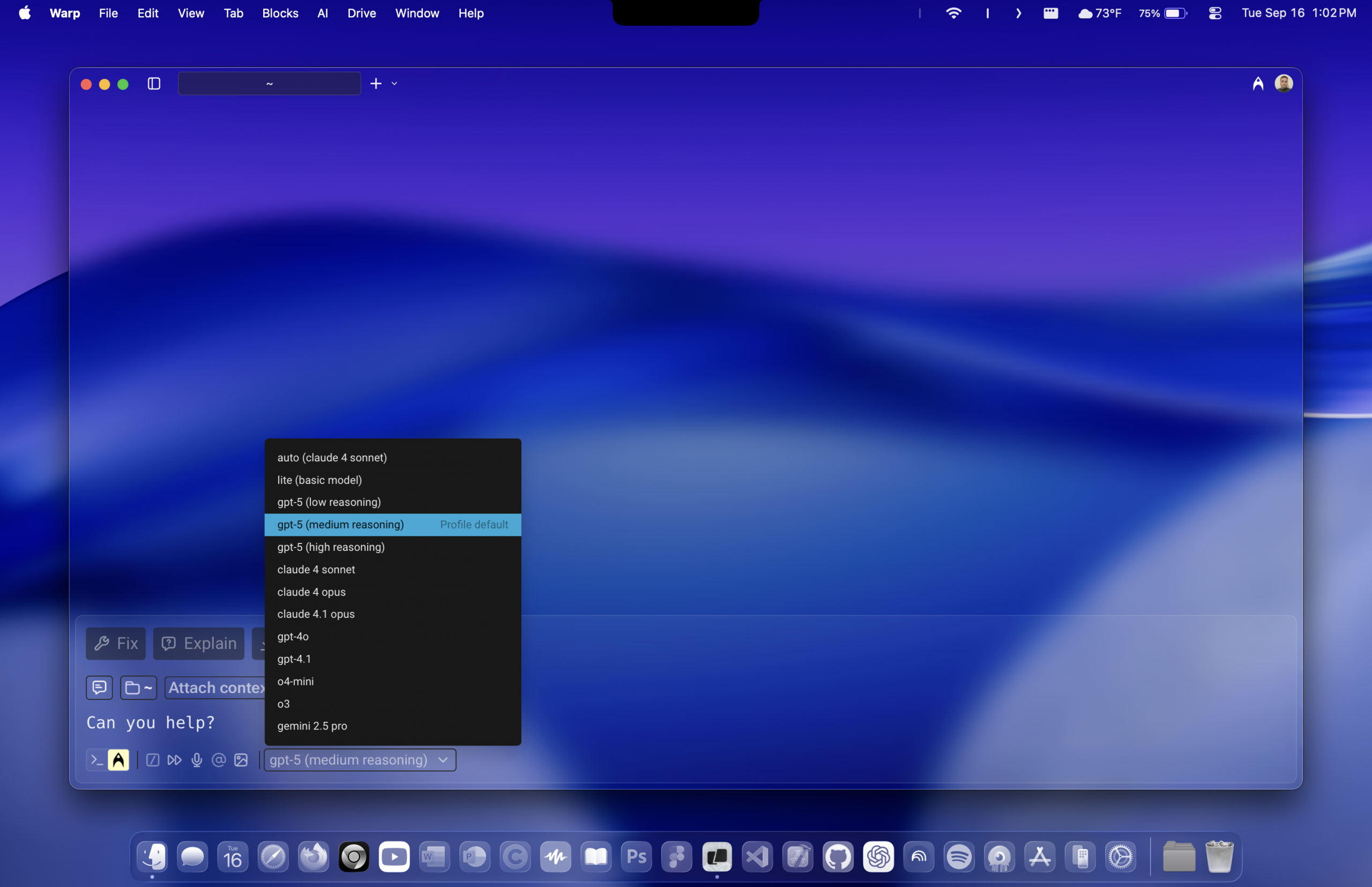
What really stands out across the plans is Warp’s access to cutting-edge models like GPT-5, Claude, and Gemini. It’s wild to think that what was once limited to research labs is now baked into a terminal app you can install in minutes. Pair that with privacy features like configurable Zero Data Retention, and Warp positions itself as both powerful and respectful of your data.
For me, I’m content living on the free tier for now, especially since I balance it with OpenAI’s Codex CLI tool (I’ll make a post on that soon!). But seeing the roadmap laid out this way makes me feel like Warp is something I could grow into as my projects (and my reliance on the terminal) scale up.
Be sure to check out Warp today! 2
Scripted with  by Austin Wells
- Source Attribution: Information about Warp Terminal’s features, AI assistance (Next-Command suggestions, contextual help, and editor-style command input), additional tools (Warp Drive, shared sessions, workflows, offline functionality, and privacy controls), and pricing tiers (including subscription costs, AI request quotas, codebase indexing limits, and access to advanced models such as GPT-5, Claude, and Gemini) is adapted from Warp’s official website and documentation. Readers can find the original materials here:
Warp Docs — official documentation, including appearance and feature guides.
Warp Features Overview — overview of functionality such as AI, workflows, and collaboration.
Warp Pricing — subscription tiers, quotas, and plan details.
All information was accurate at the time of writing but may change. For the most up-to-date details, please consult Warp directly via their website. ↩︎ - Referral Disclosure: I participate in Warp’s referral program. If you sign up using my referral link, I may receive benefits as part of this program. You can read Warp’s official referral program terms and conditions at Warp Referral Program Terms. If you have questions about the referral program, you can contact Warp directly at referrals@warp.dev. ↩︎